How can I download a certificate on Learning Connect?
01 Aug 2023
Mark
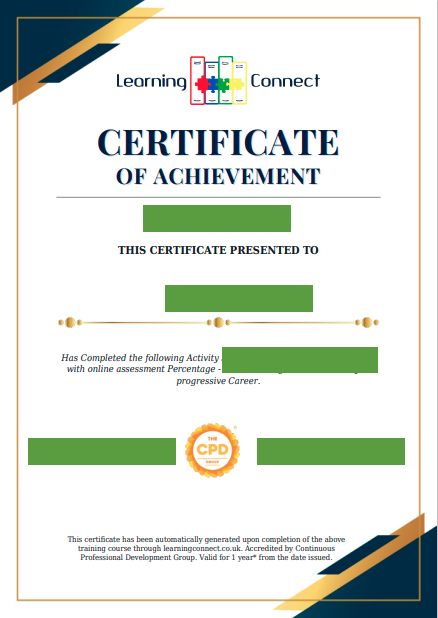
To download a certificate on Learning Connect, please follow these steps:
1. Log in to your Learning Connect account using your registered email address and password. URL - Learning Connect
2. Once you are logged in, go to your dashboard.
3. Look for the "View Certificates" section. This section might be located on the left-hand side of your dashboard.
4. In the "View Certificates" section, you should see a list of all the certificates you have earned through your completed courses.
5. Find the certificate you want to download and click on “View Certificate” from the Certificate status column.
6. Your certificate will be opened in a new tab in PDF format.
7. Once the pdf is open, save it to your computer. To do this, click on the "File" menu and select "Save As" or use the keyboard shortcut "Ctrl + Shift + S" (Windows) or "Cmd + Shift + S" (Mac) to open the "Save As" dialogue box.
In the "Save As" dialogue box, you can choose where you want to save the pdf on your computer and what you want to name the file. Make sure you select the pdf file format from the drop-down menu in the "Save As Type" field. Once you've chosen a location and a file name, click "Save" to save the pdf to your computer.